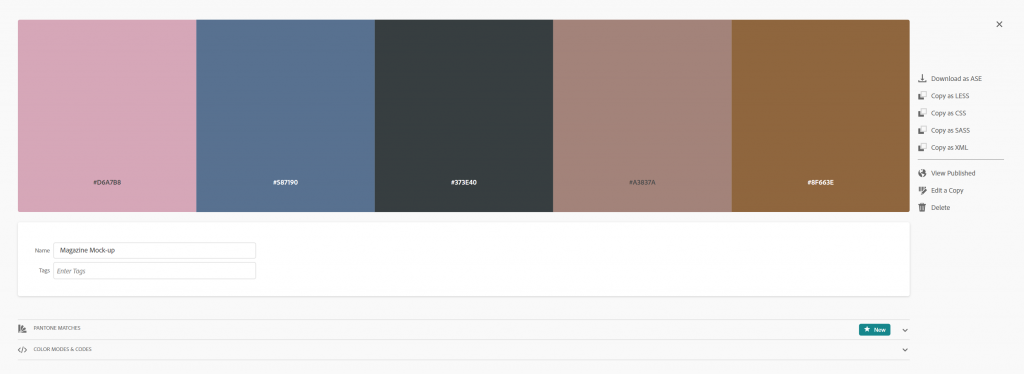


Adobe Color enables artists and designers to pick a digital colour scheme using web-based AI. It enables you to create analogous, monochromatic, complementary, compound, triad and custom colour pallets that look appealing and orderly.
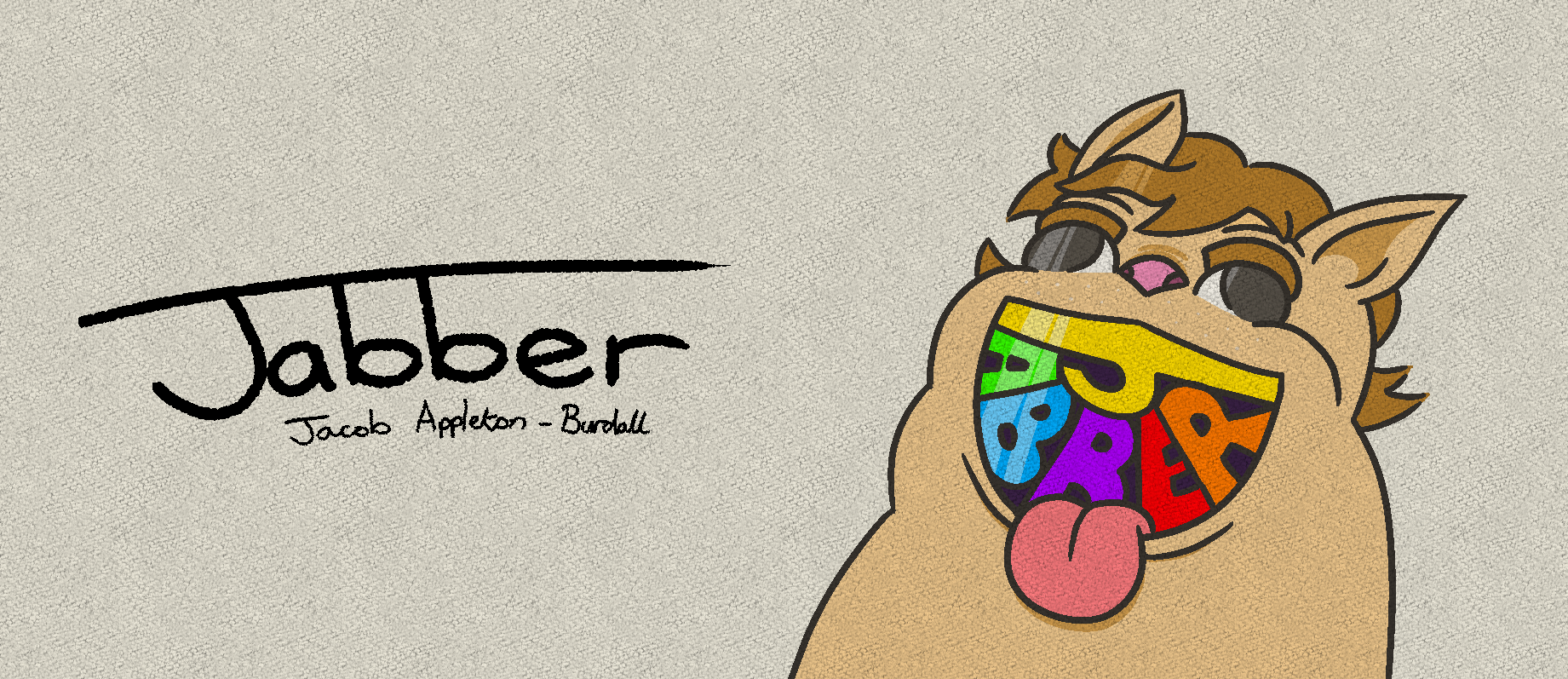
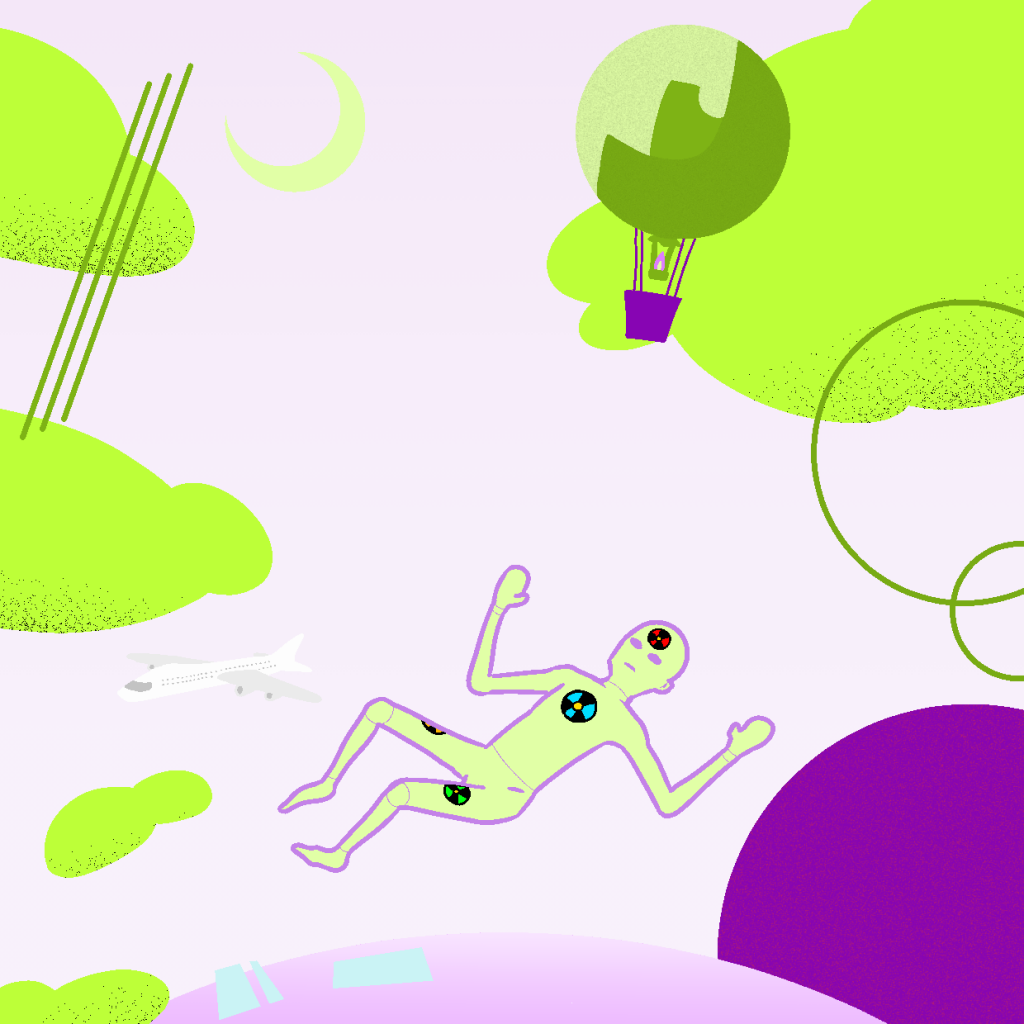
Above are three variants of my Bauhaus inspired design, the first is the original with a blue/yellow pallet, the second is magenta/blue using the pallet found bellow, and the final version is neon green/purple. In my opinion the original is the best version as the colours used are subtle and there is more tonal variation compared to the other two.
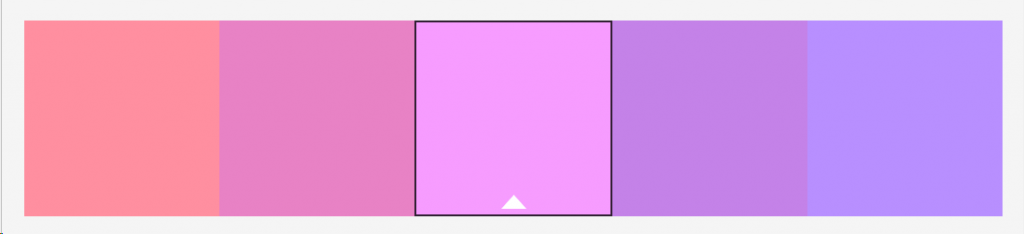
I have also created a separate alternate colour pallet version of my magazine layout design. Since the original did not have many assets suitable for re-colouration, I decided to add background geometry of different hues to accompany the text and imagery already used. These colours were generated using Adobe Color’s built in image reading function, which takes an image and extracts the best colours in order to create a new pallet.
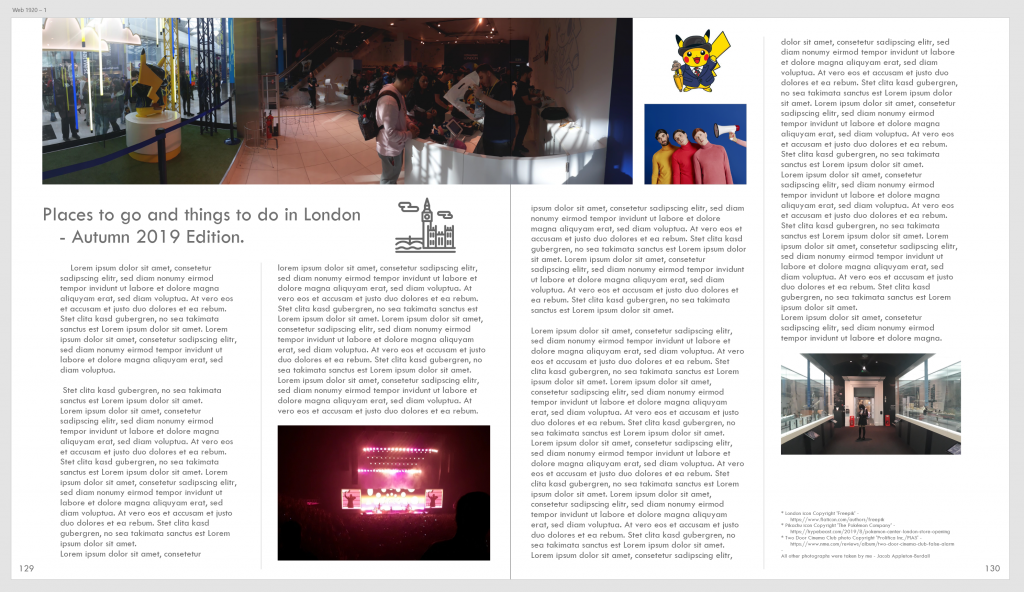
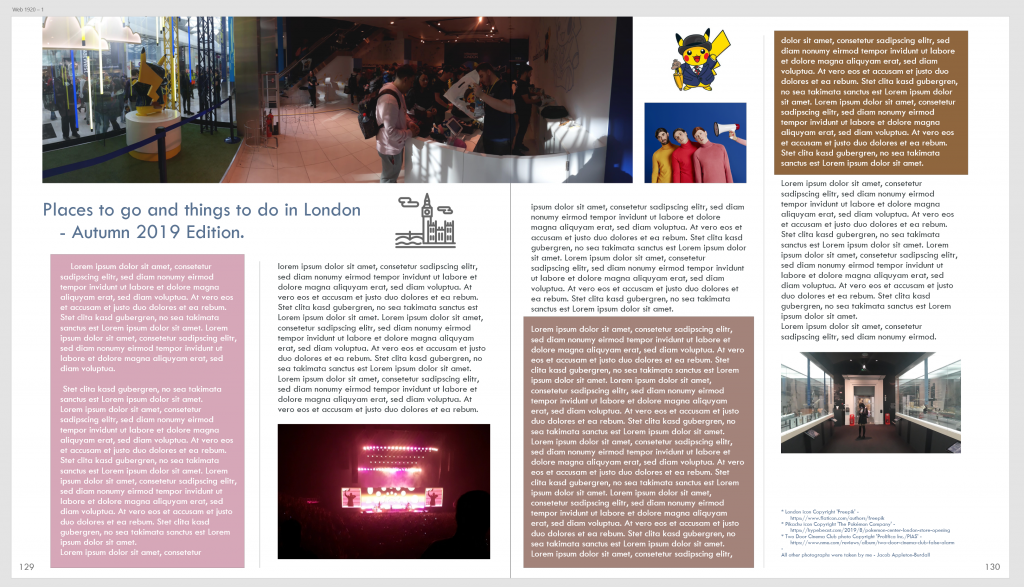
Bellow is the colour pallet generated from the an image of the entire original magazine mockup.