
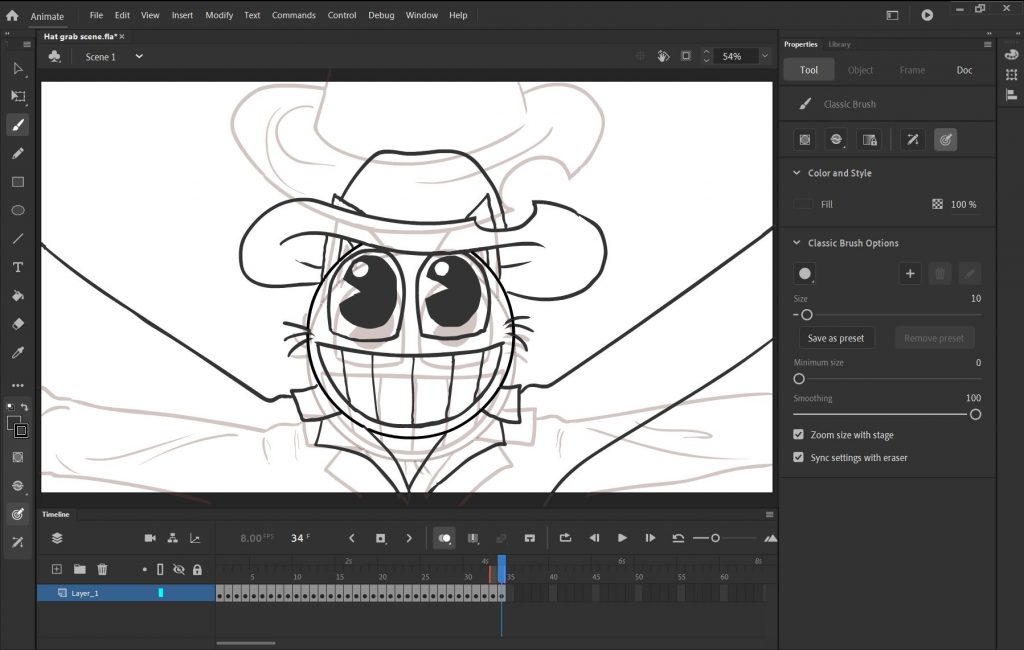
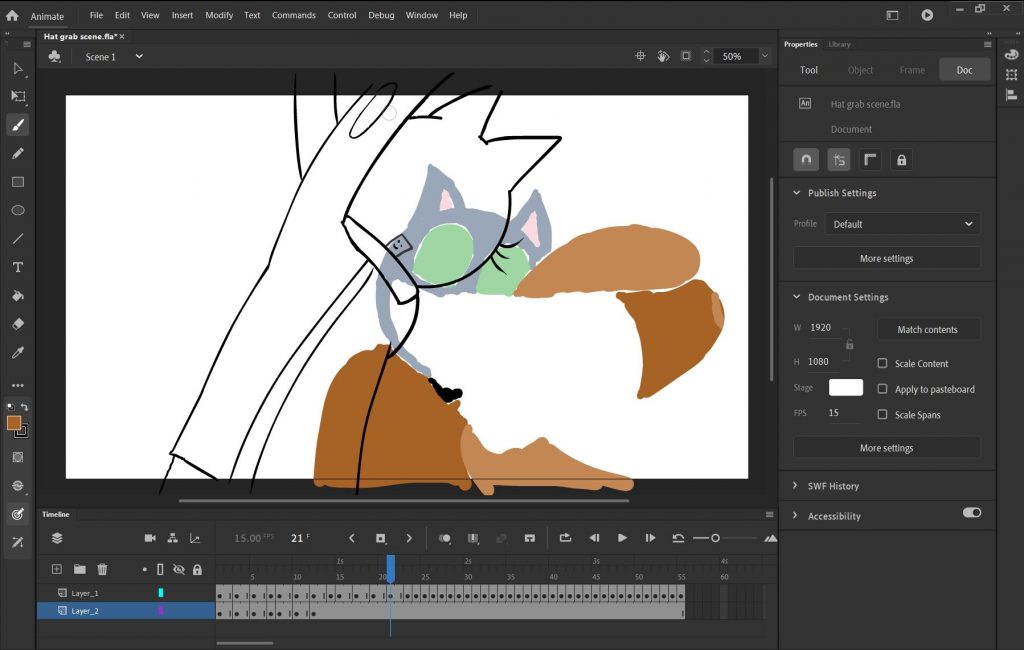
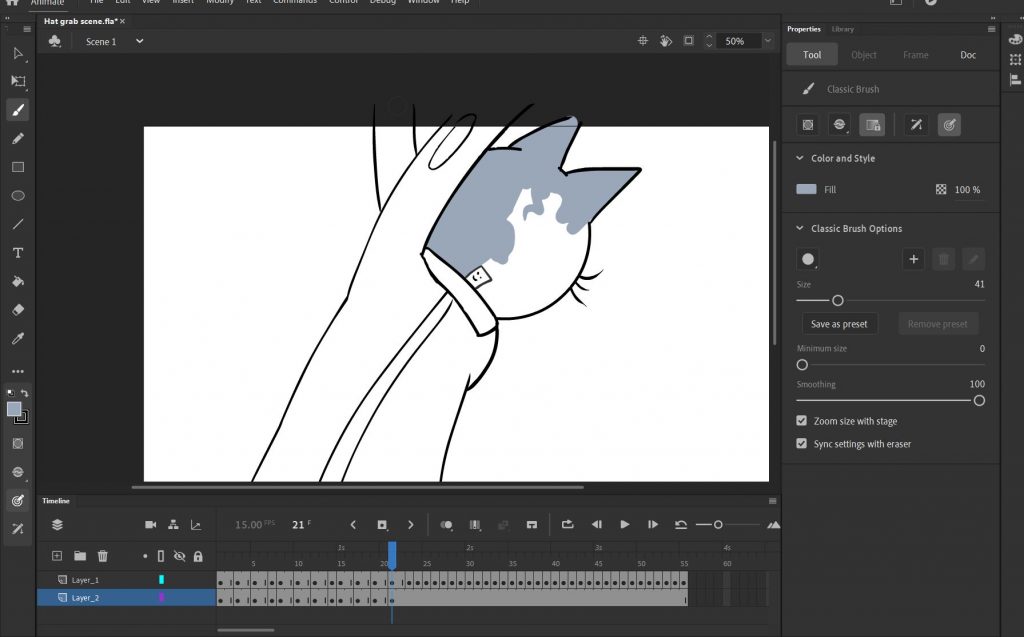
(made in Adobe Animate CC)
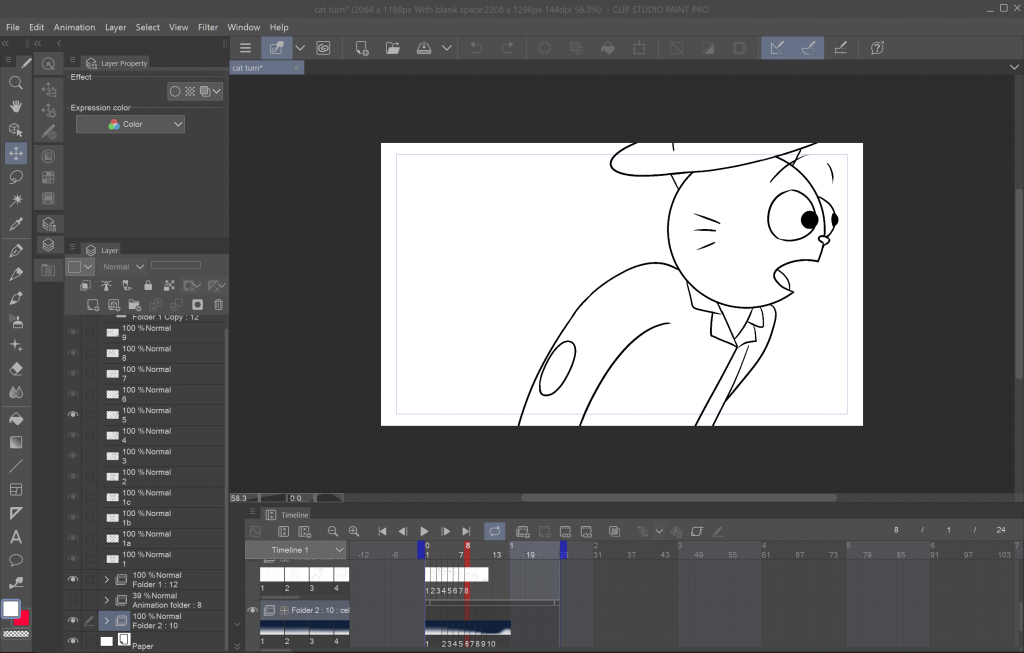
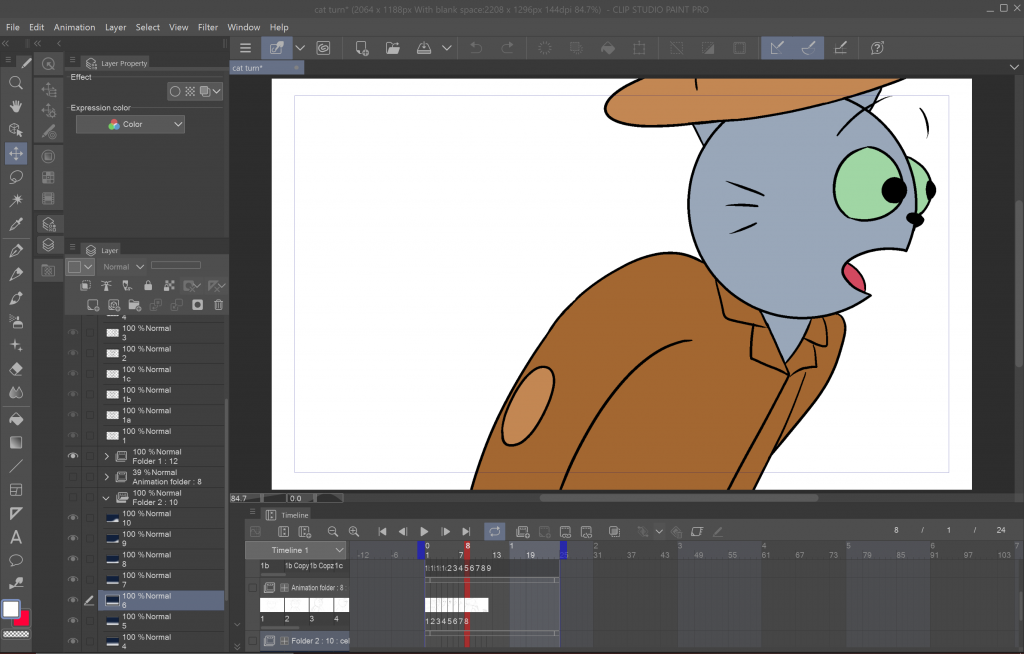
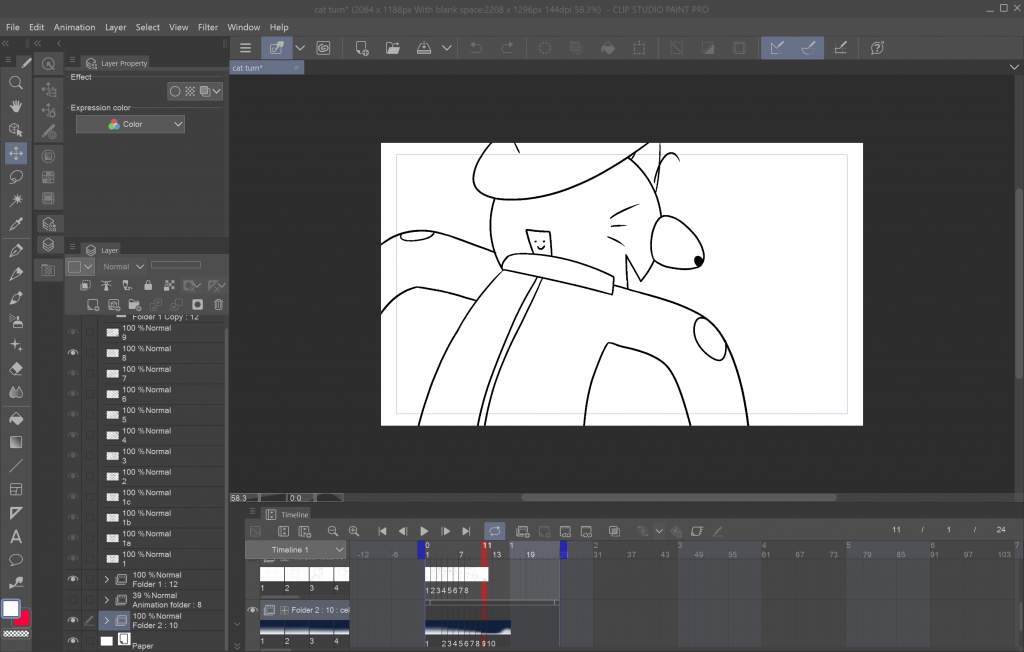
(made in Clip Studio Paint)
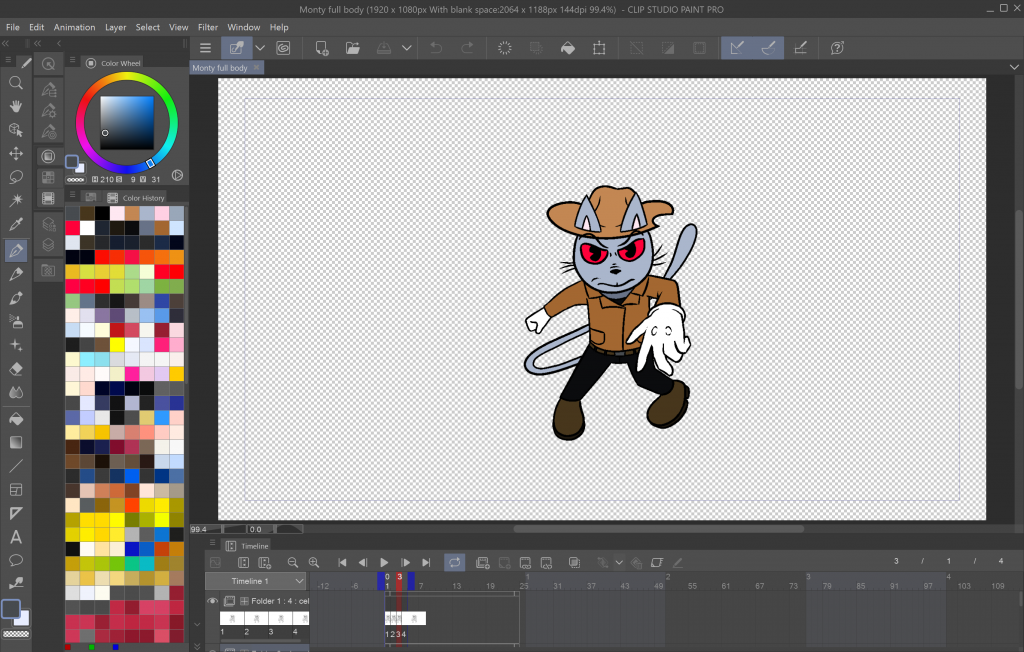
To create my animated film trailer I have been using two pieces of software, Adobe Animate and Clip Studio Paint by Celsys. My animation is hand-drawn and frame-by-frame, so these two programs are the most suitable as opposed to if I were utilising motion-graphics or rigged animation.
I began animating and completed the first scene using Adobe Animate after hearing positive feedback on the quality of the software as a professional animation tool, yet I found myself shifting to Clip Studio Paint instead to complete the rest of the animation for the trailer for numerous reasons. Primarily I switched software because I found it simpler to use and less time-consuming since I already have experience with using Clip Studio Paint, in contrast to Adobe Animate, which before this assignment I had never used. Additionally, since Clip Studio Paint is software primarily used art, manga and illustration it features a much broader set of creative and artistic visual tools, whereas I have found Adobe Animate to be quite limiting in terms of the variety of creative tools, like special effects and guides.