To begin structuring and planning the workload of each team member accordingly, a communication channel using Discord was set up, enabling us to organise the entire project and the members within the group. A team leader was assigned to the group automatically so they could help regulate the group’s creative and practical workload, how the project should be organised, and any problems group members would face. This then allowed discussion between the group and the group leader about who should perform which project tasks, enabling each member to continue working towards their personal goals. In theory, this seems like a straightforward plan of action that is easy to follow and commit to, and would be effective in organising the group and the project. However, when put into real practice for our group, we found there were numerous issues that inevitably lead to a less coordinated project that felt messy and unregulated.
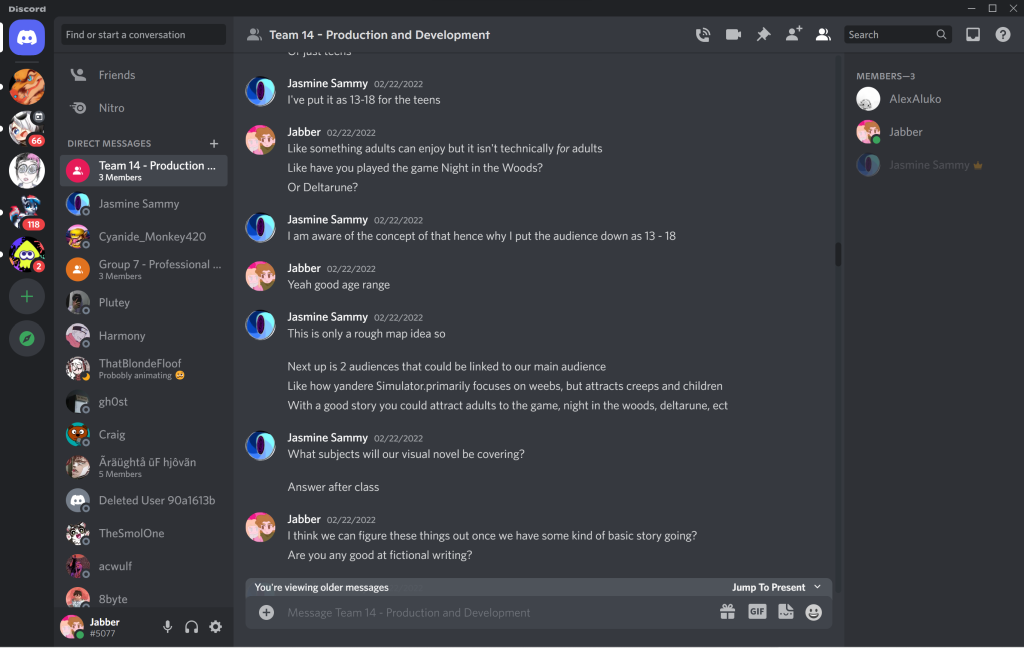
A key factor that conducted a somewhat sloppily organised project was the general lack of communication between various team members and connection to the project itself. Whilst workflow was kept up to date, often times group members (myself included) would often be lost in terms of what was happening with the project, as a lack of communication caused by member’s personal issues lead to an absence of project updates, organisation and design consistency.
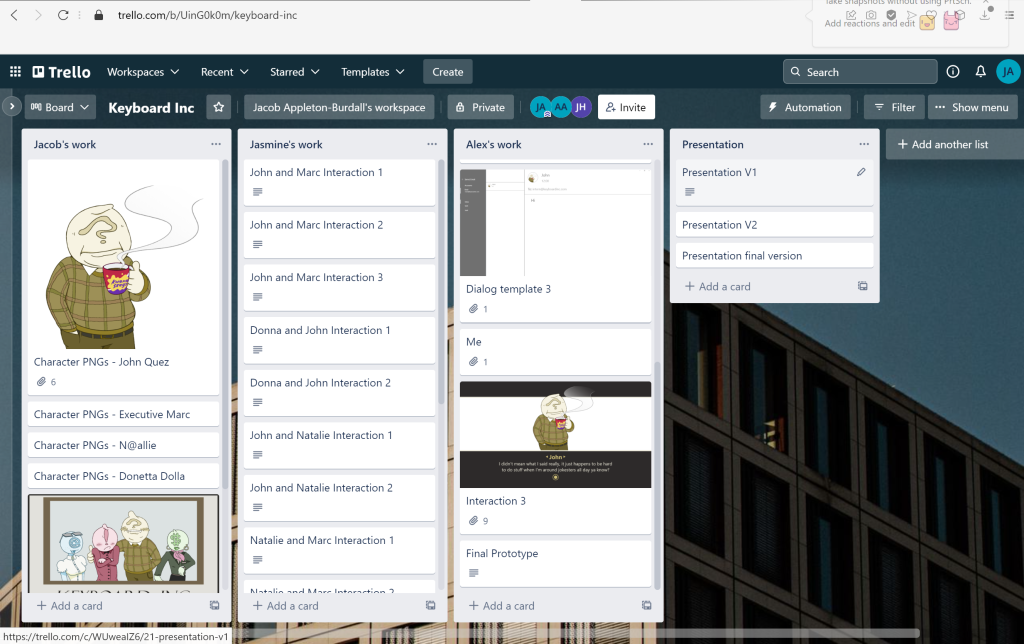
Anyhow, something that did help with the productivity of the group was the ‘Trello’ board that I set up. A Trello board is an online interactive project management tool that allows any of the invited members to add pieces of text, images and files to custom labelled sections for the purpose of organising all the workload/assets of group project members in one place. This allowed the group to access everything made by the group as it was being made in real-time, which eliminated having to frequently manually request for updates and assets, thus saving time and helping the project stay more organised and on-time.
Something that could have been implemented to further help the project is a schedule for individual members and the group in its entirety, possibly in a timetable format. This could have been used to make sure everything was produced on time and everybody was clear on what they had to do.